

 Daily Littles
The little things kids say, kept for good.
A warm, private journal for your kids' funniest sayings, wobbly firsts and everyday magic. Log a quote or a voice note in seconds and share it with the whole family. Free to start.
For teachers
Pixel art, a drawing pad, a symmetry painter, name-tracing worksheets and more. Students open a link and start creating, right in the browser on school iPads, Chromebooks and laptops.
01 · How it works
Four simple steps, from opening a link to sending a keepsake home.
Step 1
Put a tool link on the board or in your LMS. No accounts, no ads, nothing to set up.
Step 2
Kids draw, make pixel art or trace their names on a tablet or Chromebook.
Step 3
Drawings save as PNG images. Worksheets and certificates print or save as PDF.
Step 4
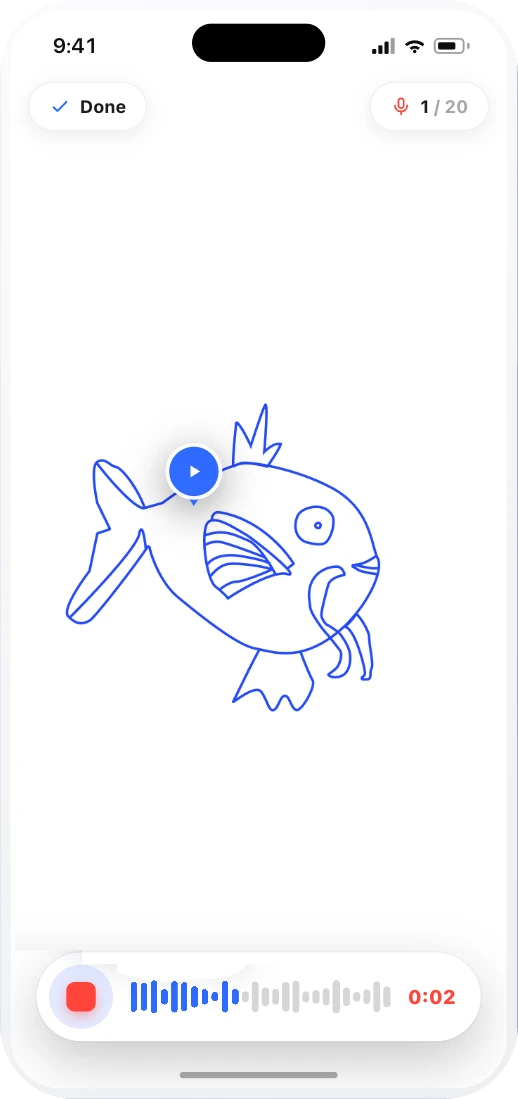
Add a voice note to a favorite piece and share a voice card link with the family.
02 · Free tools
Every tool is free, opens with no sign-up and works in any modern browser.
03 · The app in class
On a phone or iPad, snap any paper work and keep it clean, with the child's own voice explaining it.


04 · Get it approved
Six reasons that work, and a ready email you can copy and send.
Email to send to your organization
Subject:Request: using Jerry's Artbox in my classroom
Hi [Name],

I'd like to start using Jerry's Artbox in my classroom. Here's why:

- Students record a short voice note explaining their drawings and written work, so I hear how they think.
- All drawing and writing activities are saved in one place.
- Parents see and hear their child's work through a link, with no app or account needed.
- It builds a record of progress I can use at parent conferences.
- No student accounts, no ads, and it works on our iPads and Chromebooks.

They offer reduced pricing for schools, and I'm happy to request a quote for [School or organization name]. More at https://www.kidscreateapp.com/teachers/

Could I try it in my class this term?

Thank you,
[Your name]
Replace the words in [brackets] before you send it.
05 · School pricing
Using Jerry’s Artbox in your classrooms? We offer reduced pricing for schools and teachers. Contact us and tell us about your school, and we’ll send you a quote.
06 · Questions
Yes. The drawing tools on this site are free to use in the browser, with no sign-up and no ads. You can put a link in front of students and they can start right away.
No. No account or email is required to use the free browser tools. Some tools (like name tracing) let you type a name to personalize a worksheet, but that input stays in your browser — nothing is uploaded or saved to an account.
Yes. The tools run in any modern web browser on tablets, Chromebooks, and laptops — there's nothing to install and no app-store approval to wait on.
No. The free drawing tools don't show ads. Students see the tool and their own artwork, nothing else.
Yes. The drawing tools export a PNG image you can save or drop into a slideshow, and the worksheet and certificate tools (like name tracing and award certificates) print straight from the browser or save as PDF.
Take a photo of a student's paper artwork, add a short voice note, and share a voice card link home. Families open it in any browser and hear the child's voice — no app and no account needed on their end.
Daily LittlesA warm, private journal for your kids' funniest sayings, wobbly firsts and everyday magic. Log a quote or a voice note in seconds and share it with the whole family. Free to start.
 little press.
A personalised newspaper for your child: their week, their interests, puzzles and a comic to finish. One A4 sheet, printed at home. Your first newspaper is a free sample.